Mingana: A Versatile Google Slide Template for Polished Presentations
Creating a presentation that truly captures attention requires more than just good content; it demands a professional and cohesive visual framework. The Mingana - Google Slide Template offers exactly that, providing a comprehensive design system to transform your ideas into visually compelling narratives. This template is built for individuals and teams who value both aesthetic appeal and functional efficiency in their slide decks.
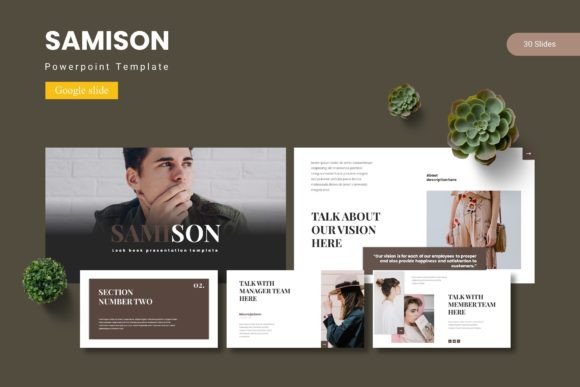
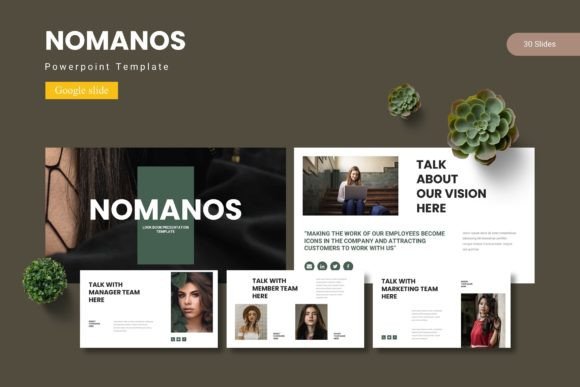
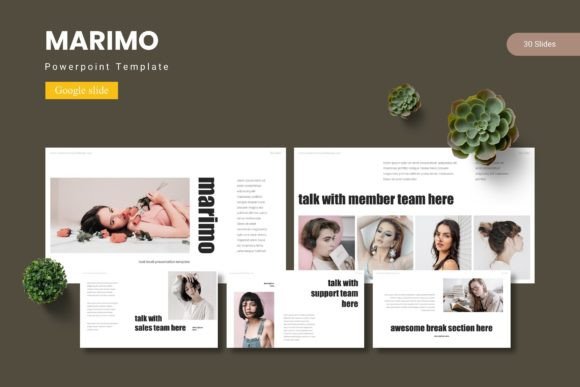
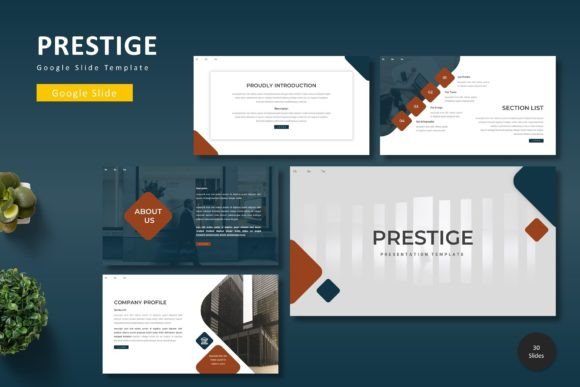
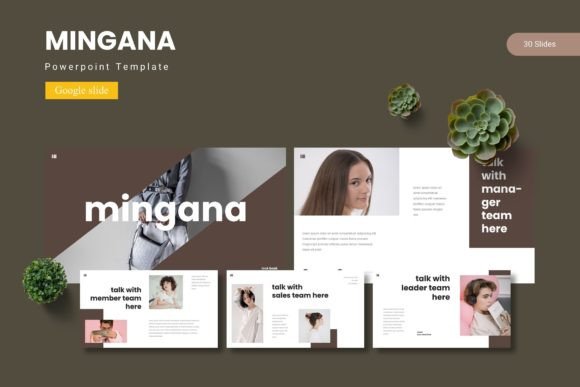
At its core, Mingana is a premium design asset that provides a robust foundation for a wide array of projects. With over 150 total slides organized into five premade color schemes, it offers remarkable versatility. Each color variation includes 30 meticulously crafted slides, complete with section breaks and handcrafted infographics. This structure allows you to build presentations for business pitches, educational lectures, creative portfolios, or marketing reports without starting from a blank canvas.
Practical Use Cases for Every Creator
The true value of a well-designed template lies in its adaptability. The Mingana template is particularly useful for:
- Business and Marketing: Create impactful pitch decks, quarterly reports, and product launch presentations that maintain brand consistency.
- Education and Training: Develop engaging lesson plans, workshop materials, and academic presentations with clear visual hierarchy.
- Creative Portfolios: Showcase design work, photography, or case studies using the dedicated gallery and portfolio slides.
- Event Planning: Design professional timelines, agendas, and speaker introductions for conferences or webinars.
For designers and content creators, integrating a template like Mingana into their workflow can significantly streamline the process of building a professional brand identity across visual materials. It ensures that every presentation aligns with a polished, modern aesthetic.
Key Features That Enhance Your Design Process
What sets this template apart is its focus on user-friendly design flexibility. The pixel-perfect illustrations and graphics are fully resizable and editable, allowing you to customize every element to fit your specific needs. The use of picture placeholders with a simple drag-and-drop function makes incorporating your own images effortless. Furthermore, the design is based on master slides, which means you can make global changes to fonts, colors, and layouts with just a few clicks, ensuring visual consistency throughout your entire deck.
When selecting a template, consider the mood of your project. The five included color schemes offer a range from professional and subdued to vibrant and energetic. Testing how the template's typography pairs with your own content is also a wise step. Clear, readable fonts are essential for effective communication, and a well-structured template like Mingana ensures your text remains legible and impactful, whether displayed on a large screen or viewed on a mobile device.
Integrating Templates into Your Broader Design Toolkit
Think of a Google Slide template as a key component of your broader design assets. A cohesive presentation style reinforces your brand identity, much like a carefully chosen typeface or color palette. The Mingana template, with its clean lines and modern layout, can complement a wide range of design styles, from minimalist corporate branding to more dynamic creative projects. Its professional finish helps elevate the perceived quality of your work, making your ideas more persuasive and memorable.
Ultimately, choosing the right template is about finding a tool that empowers your creativity rather than constraining it. A resource like the Mingana - Google Slide Template provides a strong, versatile starting point that saves time while allowing for deep customization. It helps ensure your final presentation is not only informative but also visually engaging, leaving a lasting impression on your audience and reflecting the care and professionalism you put into your work.