Oterom - Google Slide Template for Modern Presentations
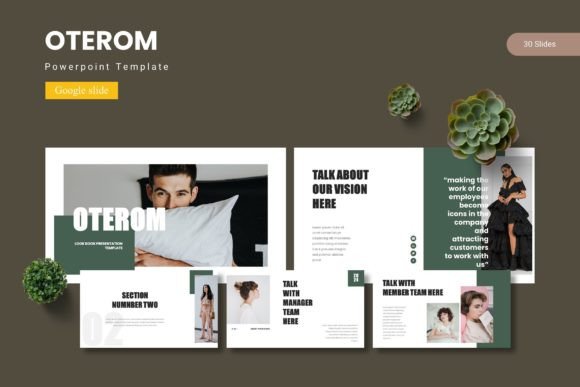
Crafting a presentation that truly captivates an audience goes beyond just sharing information; it’s about telling a compelling story with clarity and style. The Oterom - Google Slide Template is designed to be your partner in that creative process, offering a robust foundation for building visually stunning and effective slideshows. This template isn’t just a collection of slides; it’s a comprehensive design system that brings professionalism and polish to your next pitch, lecture, or portfolio review.
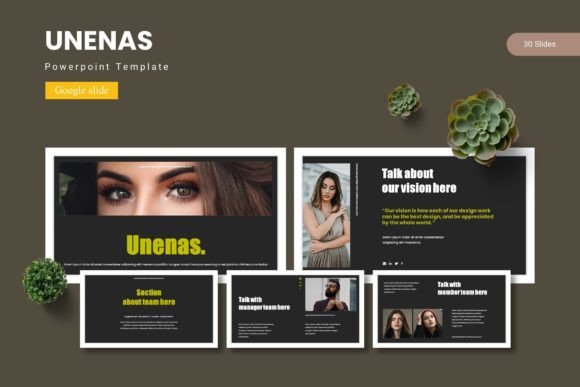
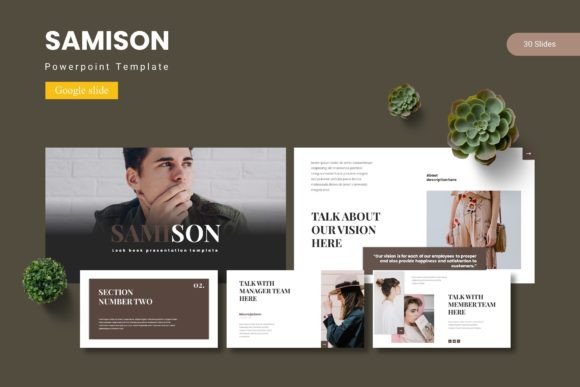
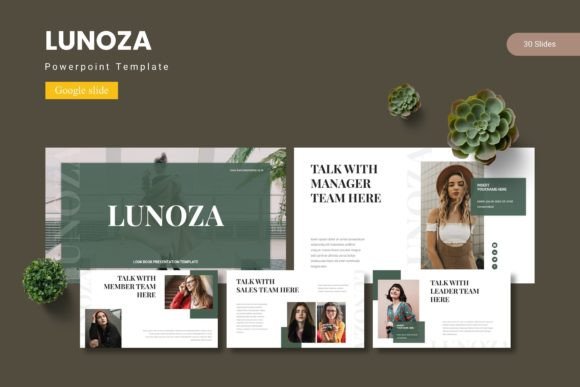
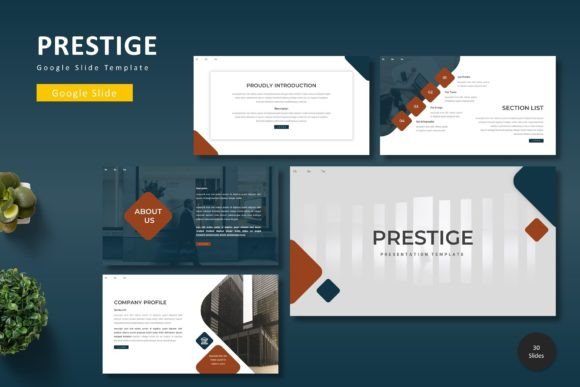
At its core, Oterom is built for flexibility and ease of use. With over 150 total slides spread across five premade color schemes, you have a vast library of layouts at your fingertips. Each of the five templates contains 30 meticulously crafted slides, ensuring you have the right frame for any type of content, from data-heavy reports to image-centric narratives. The inclusion of dedicated section break slides helps organize your presentation logically, guiding your audience smoothly from one idea to the next.
Key Features That Empower Your Design
What makes this template stand out is its attention to detail and user-friendly design philosophy. Every element is created to save you time while maximizing visual impact.
- Handcrafted Infographics & Illustrations: Move beyond generic charts. The pixel-perfect, resizable graphics allow you to present complex data in an engaging, easy-to-understand way.
- Master Slide Foundation: Editing is streamlined through master slides. Make a change once, and it reflects throughout your entire presentation, ensuring absolute consistency in fonts, colors, and logos.
- Intuitive Media Integration: The drag-and-drop picture placeholders make adding your own images a seamless process. Simply drag your photo into the frame, and it’s perfectly cropped and positioned.
- Portfolio & Gallery Layouts: Creatives will appreciate the dedicated slides for showcasing work, perfect for designers, photographers, or agencies presenting case studies.
Practical Applications for Every Creator
The versatility of the Oterom Google Slide template makes it a valuable design asset for a wide range of projects. Consider using it to elevate:
- Business Pitches & Reports: Create a compelling brand identity for your company with consistent, professional slides that build trust with investors and clients.
- Educational & Workshop Materials: Design clear, engaging lesson plans or workshop decks that hold students' attention and facilitate learning.
- Portfolio Presentations: Showcase your design, photography, or art projects in a gallery-style layout that lets your work shine.
- Marketing & Social Media Decks: Develop cohesive campaign overviews or social media content plans that are visually aligned with your broader brand identity.
Tips for Choosing and Using Your Template
When selecting a template like Oterom, think about the mood and message of your project. The five color variations offer different vibes—from bold and energetic to sleek and corporate—so choose the one that best matches your topic. Always preview the slides to ensure the layout hierarchy supports your narrative flow.
Remember that the template is a starting point. Customize the color scheme to match your brand’s palette, swap in your own photography, and adjust the text to carry your unique voice. The real power of a premium template lies in its adaptability. It provides a professional structure that you can infuse with your personal or brand-specific creative font and style, resulting in a presentation that feels both polished and authentically yours.
Ultimately, investing in a well-designed template like Oterom is about investing in the effectiveness of your communication. It removes the friction of starting from a blank slide, allowing you to focus on your content and delivery. By providing a suite of professional, cohesive tools, it helps ensure your ideas are received with the clarity and impact they deserve, making every presentation a stronger reflection of your work.